
Voice identity
Build a reusable voice from an approved recording
Create a consistent synthetic voice for authorized speakers and use it across changing scripts without recording every line again.
Create consistent branded voices for demos, training, campaigns, and multilingual customer communication.
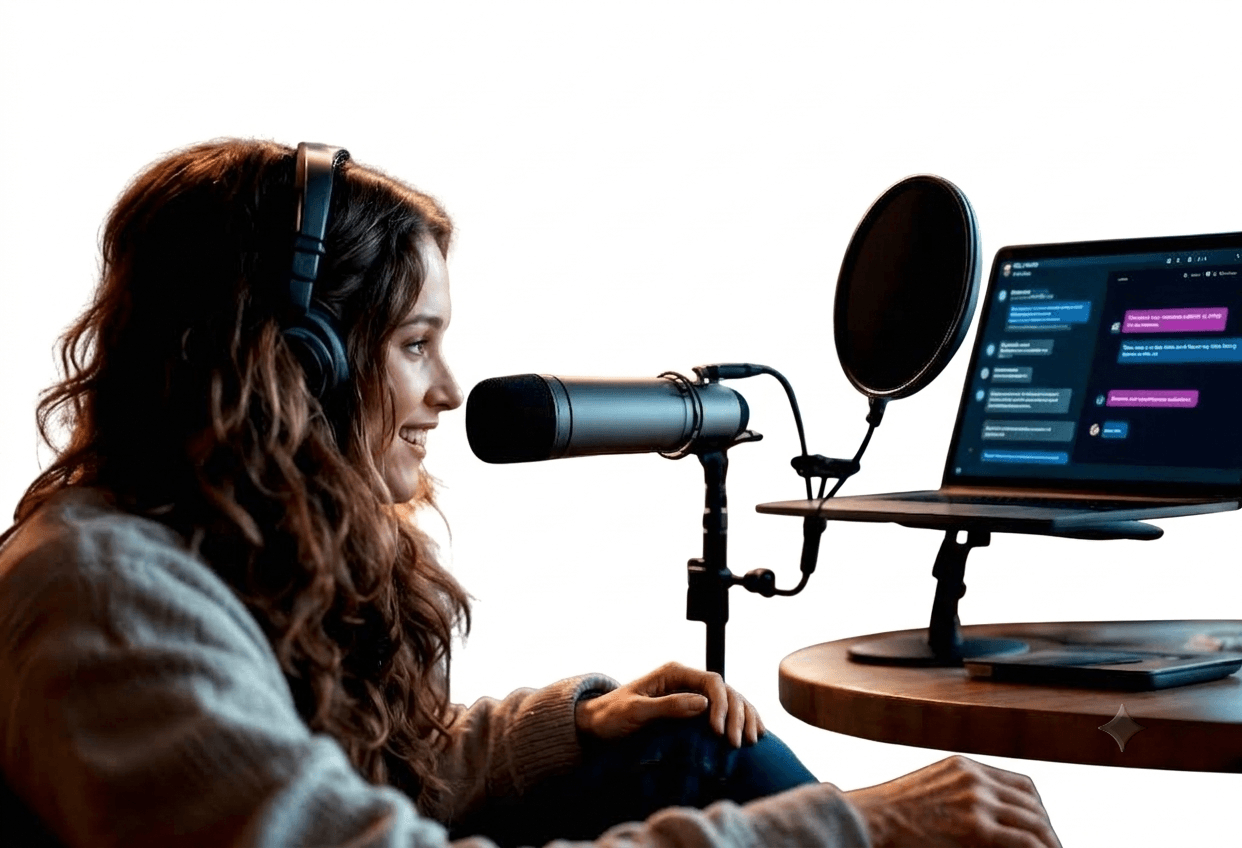
Connect voice cloning to your existing tools
From sample to library
Move from an approved recording to a governed voice profile your teams can use across changing scripts and channels.
Document the speaker's consent and the intended uses for the voice.
Record clear, representative speech with minimal background noise.
Test varied scripts, names, numbers, and important brand terms.
Give access only to approved teams, projects, and channels.
Inside a voice profile
A production voice is more than a recording. Source quality, delivery controls, and publishing permissions work together to keep every generated line consistent and authorized.
Voice identity
Create a consistent synthetic voice for authorized speakers and use it across changing scripts without recording every line again.
Creative control
Preview variations and adjust pacing, emphasis, and pronunciation so generated speech fits support, training, or campaign content.
Responsible use
Use documented authorization, limited workspace access, and review steps to keep cloned voices within their approved purpose.
Authorized voice studio
Connect the studio to the places your voice is used.
Plan your integrationThe approved source, delivery profile, and usage permissions stay connected as the voice moves across channels.
Use cases
Keep product explainers and announcements in one familiar voice.
Consistent brand deliveryUpdate lessons and internal guidance without returning to the studio.
Faster content updatesExtend authorized voice content into supported languages and markets.
Broader campaign reuseVoice Cloning at a glance
One
Fast
Scoped
Voice model
The approved source, delivery profile, and usage permissions stay connected as the voice moves across channels.
Voice identity
Create a consistent synthetic voice for authorized speakers and use it across changing scripts without recording every line again.
Voice profile
Frequently asked questions
A practical overview of voice cloning, setup, and how your team stays in control.
A clean recording of the authorized speaker is required. The ideal length and format depend on the voice model and quality target, but clear, varied speech without music or background noise produces the best review sample.
Yes. Only clone a voice with explicit authorization from the speaker or the rights holder, and define the permitted use before generating or publishing content.
Yes. Once an approved voice profile is ready, teams can generate new authorized scripts while reviewing pronunciation, tone, and delivery before release.
Limit access by role and workspace, document allowed use, require review for publishing, and remove access when a project or authorization ends.
Start with one voice cloning workflow, connect the tools it needs, and expand from real results.